0. Install kubectl (link)
1. Install Helm (link)
2. Create an EKS Cluster
3. Create an Amazon EBS CSI Driver IAM Role for the Service Account (link)
4. Manage the Amazon EBS CSI Driver as an Amazon EKS Add-on (link)
5. Install Jenkins (link)
Jenkins provides a guide, so I will follow it.
EKS Jenkins 설치 매니페스트의 참조 관계
EKS Jenkins 설치 매니페스트의 참조 관계
Read the diagram as text
- ClusterRoleBinding jenkins-admin의 roleRef가 ClusterRole jenkins-admin을 가리킨다.
- 같은 바인딩의 subjects가 jenkins 네임스페이스의 ServiceAccount jenkins-admin을 가리킨다.
- Deployment jenkins는 serviceAccountName jenkins-admin을 쓴다.
- PV jenkins-pv-volume(10Gi, local /mnt)은 StorageClass local-storage를 쓴다.
- PVC jenkins-pv-claim(3Gi)도 local-storage를 쓴다.
- PV의 claimRef가 PVC jenkins-pv-claim을 가리킨다.
- Deployment는 claimName jenkins-pv-claim을 /var/jenkins_home에 마운트한다.
- Service jenkins-service(NodePort 8080:32000)는 selector app: jenkins-server로 Deployment의 Pod를 고른다.
Create a Namespace
bash
root@jenkinshost:~# kubectl create ns jenkins
namespace/jenkins created
Create a ServiceAccount
bash
root@jenkinshost:~# cat sa.yml
# cat sa.yml
apiVersion: rbac.authorization.k8s.io/v1
kind: ClusterRole
metadata:
  name: jenkins-admin
rules:
  - apiGroups: [""]
    resources: ["*"]
    verbs: ["*"]
---
apiVersion: v1
kind: ServiceAccount
metadata:
  name: jenkins-admin
  namespace: jenkins
---
apiVersion: rbac.authorization.k8s.io/v1
kind: ClusterRoleBinding
metadata:
  name: jenkins-admin
roleRef:
  apiGroup: rbac.authorization.k8s.io
  kind: ClusterRole
  name: jenkins-admin
subjects:
- kind: ServiceAccount
  name: jenkins-admin
  namespace: jenkins
root@jenkinshost:~#
root@jenkinshost:~# kubectl apply -f sa.yml
clusterrole.rbac.authorization.k8s.io/jenkins-admin created
serviceaccount/jenkins-admin created
clusterrolebinding.rbac.authorization.k8s.io/jenkins-admin created
Create a StorageClass
bash
root@jenkinshost:~# cat stc.yml
kind: StorageClass
apiVersion: storage.k8s.io/v1
metadata:
  name: local-storage
provisioner: kubernetes.io/no-provisioner
volumeBindingMode: WaitForFirstConsumer
root@jenkinshost:~# kubectl apply -f stc.yml
storageclass.storage.k8s.io/local-storage created
Create a PersistentVolume
bash
root@jenkinshost:~# cat pv.yml
apiVersion: v1
kind: PersistentVolume
metadata:
  name: jenkins-pv-volume
  labels:
    type: local
spec:
  storageClassName: local-storage
  claimRef:
    name: jenkins-pv-claim
    namespace: jenkins
  capacity:
    storage: 10Gi
  accessModes:
    - ReadWriteOnce
  local:
    path: /mnt
  nodeAffinity:
    required:
      nodeSelectorTerms:
      - matchExpressions:
        - key: kubernetes.io/hostname
          operator: In
          values:
          - ip-192-168-66-119.ap-southeast-1.compute.internal
root@jenkinshost:~# kubectl apply -f pv.yml
persistentvolume/jenkins-pv-volume created
Create a PersistentVolumeClaim
bash
root@jenkinshost:~# cat pvc.yml
apiVersion: v1
kind: PersistentVolumeClaim
metadata:
  name: jenkins-pv-claim
  namespace: jenkins
spec:
  storageClassName: local-storage
  accessModes:
    - ReadWriteOnce
  resources:
    requests:
      storage: 3Gi
root@jenkinshost:~# kubectl apply -f pvc.yml
persistentvolumeclaim/jenkins-pv-claim created
Deploy Jenkins
bash
root@jenkinshost:~# cat deploy.yml
apiVersion: apps/v1
kind: Deployment
metadata:
  name: jenkins
  namespace: jenkins
spec:
  replicas: 1
  selector:
    matchLabels:
      app: jenkins-server
  template:
    metadata:
      labels:
        app: jenkins-server
    spec:
      securityContext:
            fsGroup: 1000
            runAsUser: 1000
      serviceAccountName: jenkins-admin
      containers:
        - name: jenkins
          image: jenkins/jenkins:lts
          resources:
            limits:
              memory: "2Gi"
              cpu: "1000m"
            requests:
              memory: "500Mi"
              cpu: "500m"
          ports:
            - name: httpport
              containerPort: 8080
            - name: jnlpport
              containerPort: 50000
          livenessProbe:
            httpGet:
              path: "/login"
              port: 8080
            initialDelaySeconds: 90
            periodSeconds: 10
            timeoutSeconds: 5
            failureThreshold: 5
          readinessProbe:
            httpGet:
              path: "/login"
              port: 8080
            initialDelaySeconds: 60
            periodSeconds: 10
            timeoutSeconds: 5
            failureThreshold: 3
          volumeMounts:
            - name: jenkins-data
              mountPath: /var/jenkins_home
      volumes:
        - name: jenkins-data
          persistentVolumeClaim:
              claimName: jenkins-pv-claim
root@jenkinshost:~# kubectl apply -f deploy.yml
deployment.apps/jenkins created
root@jenkinshost:~# kubectl get deploy -n jenkins
NAME      READY   UP-TO-DATE   AVAILABLE   AGE
jenkins   1/1     1            1           107s
Create a Service to Access Jenkins
bash
root@jenkinshost:~# cat svc.yml
apiVersion: v1
kind: Service
metadata:
  name: jenkins-service
  namespace: jenkins
  annotations:
      prometheus.io/scrape: 'true'
      prometheus.io/path:   /
      prometheus.io/port:   '8080'
spec:
  selector:
    app: jenkins-server
  type: NodePort
  ports:
    - port: 8080
      targetPort: 8080
      nodePort: 32000
root@jenkinshost:~# kubectl apply -f svc.yml
service/jenkins-service created
root@jenkinshost:~# kubectl get svc -n jenkins
NAME              TYPE       CLUSTER-IP      EXTERNAL-IP   PORT(S)          AGE
jenkins-service   NodePort   10.100.161.85   <none>        8080:32000/TCP   9s
root@jenkinshost:~# kubectl get po -n jenkins -o wide
NAME                      READY   STATUS    RESTARTS   AGE     IP              NODE                                                NOMINATED NODE   READINESS GATES
jenkins-b96f7764f-dt5j8   1/1     Running   0          3m55s   192.168.91.99   ip-192-168-66-119.ap-southeast-1.compute.internal   <none>           <none>
root@jenkinshost:~# kubectl exec -it jenkins-b96f7764f-dt5j8 cat /var/jenkins_home/secrets/initialAdminPassword -n jenkins
kubectl exec [POD] [COMMAND] is DEPRECATED and will be removed in a future version. Use kubectl exec [POD] -- [COMMAND] instead.
f1ef110db33e4d11904dac5b0c32a0a3
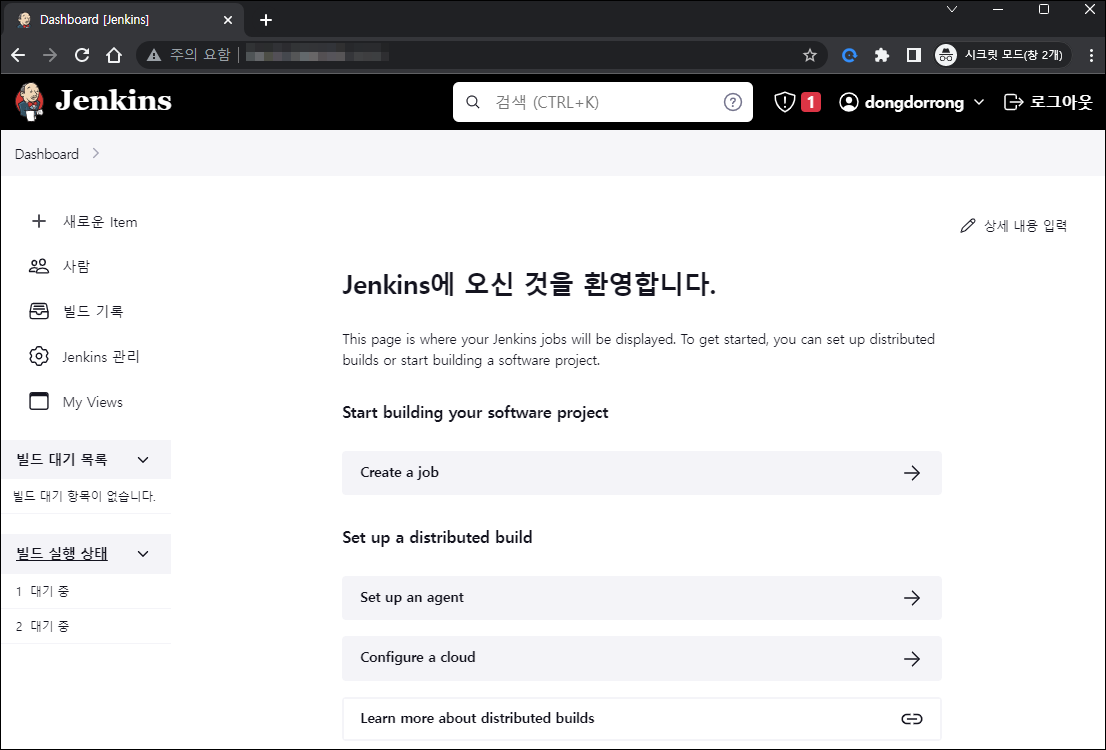
I created a NodePort Service, checked which node the Jenkins Pod was running on, and confirmed that I could access it in a connection test.